First Sync: your organisation now starts set up, not empty
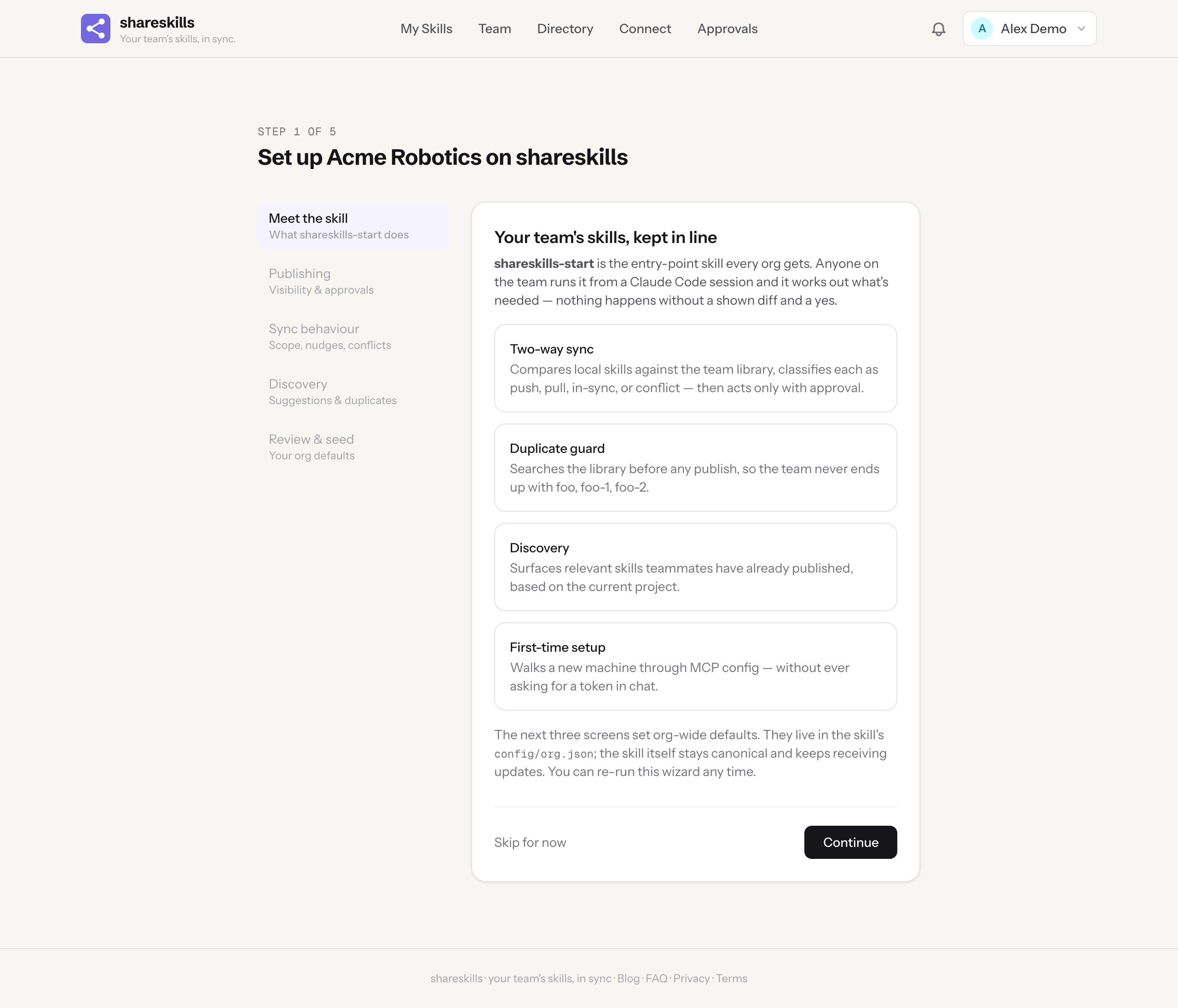
New organisations land in a five-step wizard that explains shareskills-start, asks how your team wants syncing to behave, and seeds the skill into your library with your answers in a config file — while the skill itself stays canonical and keeps receiving updates.
The shareskills team
Until this week, a brand-new organisation on shareskills started with an empty library and a line in the FAQ: search for a skill called shareskills-start and install it. That skill is the single entry point for everything here — first-time MCP setup, syncing local skill edits up, pulling team updates down, discovering skills teammates have published, flagging duplicates. Telling people to go and find the most important skill themselves was, in hindsight, a strange way to welcome them.
So now the welcome is a wizard. Create an organisation and you land in First Sync: five short steps that explain what shareskills-start does, ask how your team wants it to behave, and then seed it straight into your library — team-visible, ready for every member to install with one call.
What it asks
The questions are the ones every team eventually answers anyway, usually by accident and one argument at a time. First Sync asks them up front:
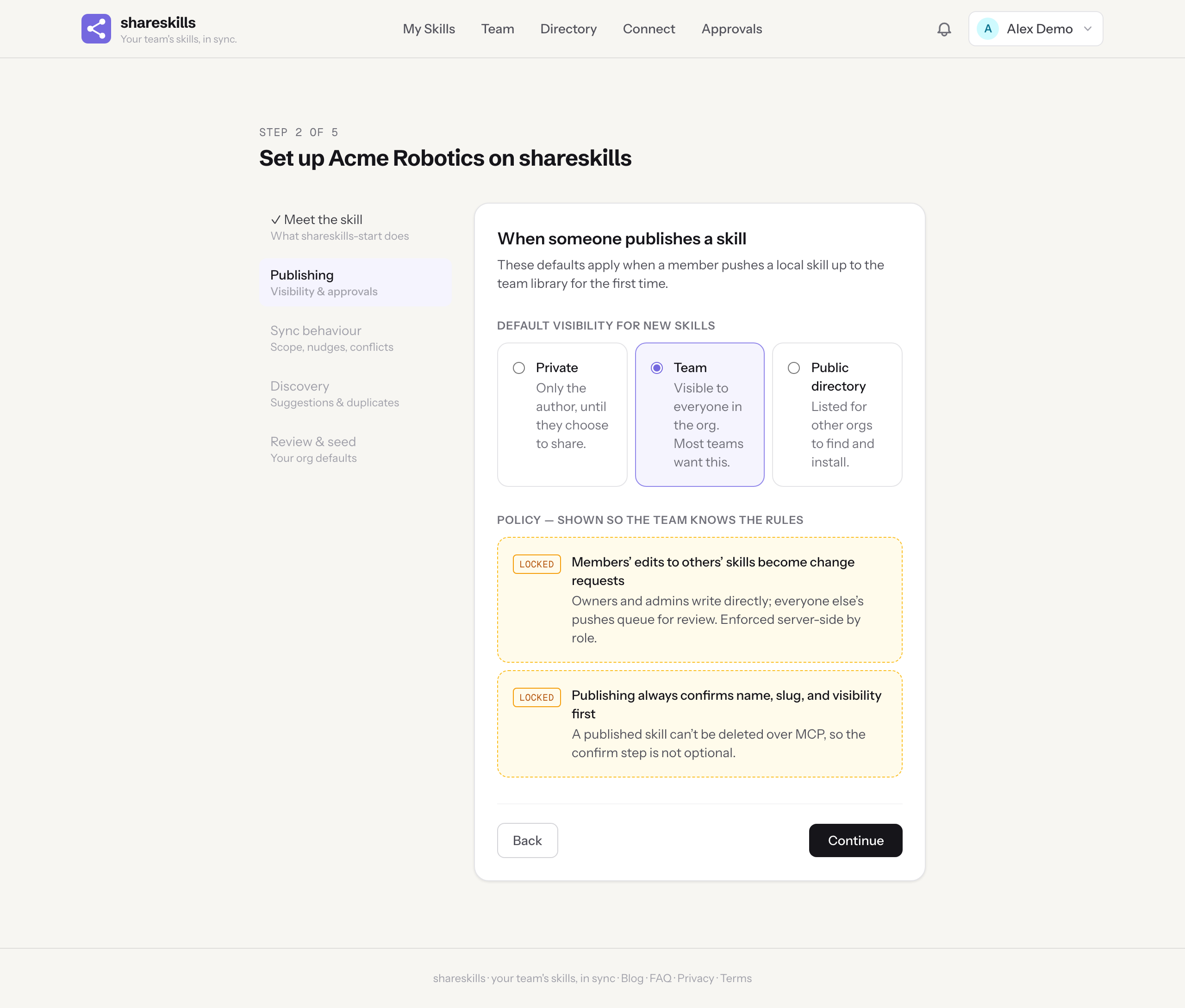
- Default visibility for new skills. When someone pushes a local skill up for the first time, does it start private, team-visible, or in the public directory? Most teams want team; the wizard defaults there.
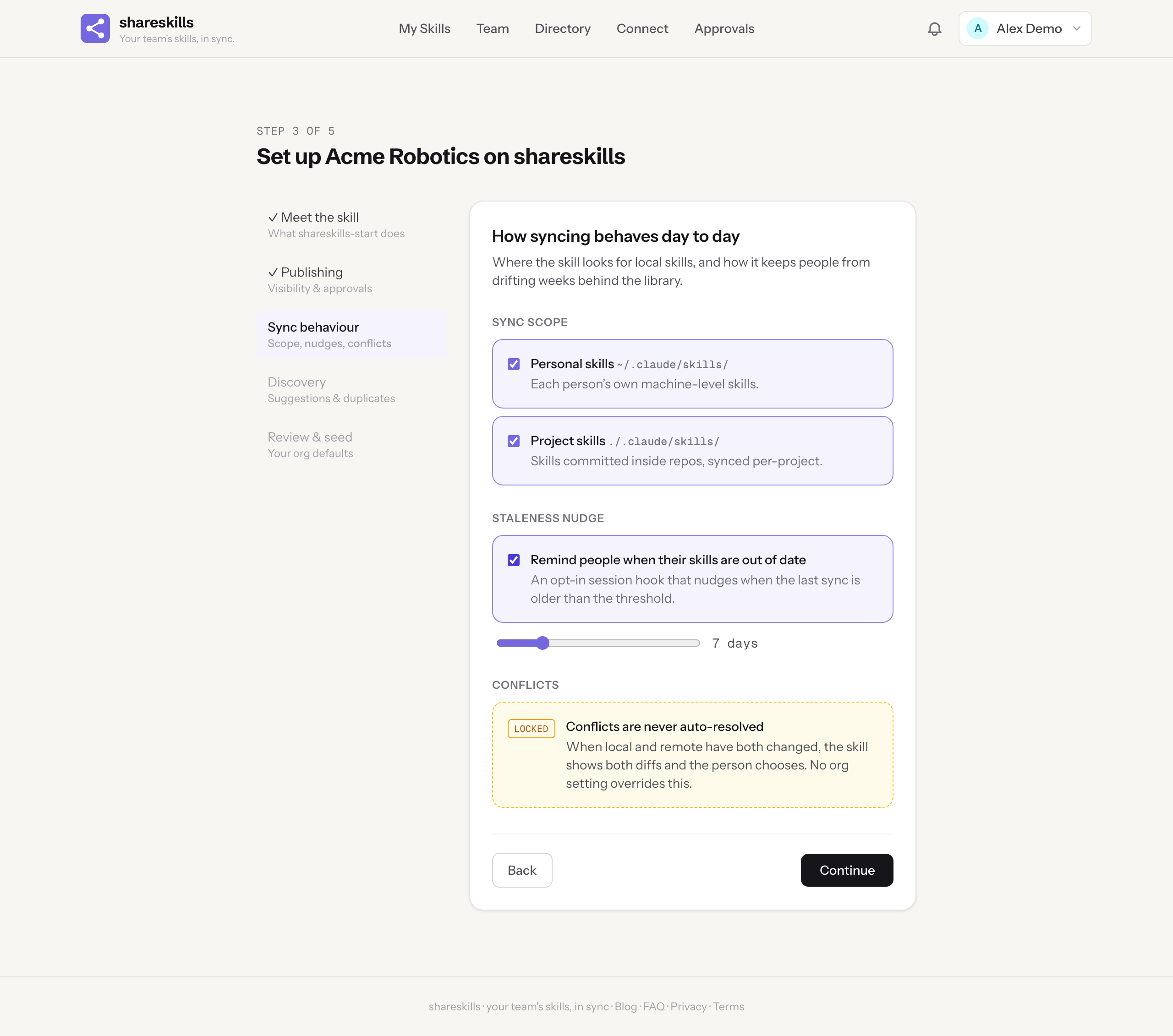
- Sync scope. Personal skills (~/.claude/skills/), project skills committed inside repos, or both.
- The staleness nudge. An opt-in session hook that reminds people when their local skills have drifted more than a threshold — you pick the number of days — behind the library.
- Discovery. Whether syncs should also suggest relevant skills from your own library, from the public directory too, or not at all.
- The duplicates report. Whether each sync ends by flagging near-identical skills for an admin to merge.
A copy that never goes stale
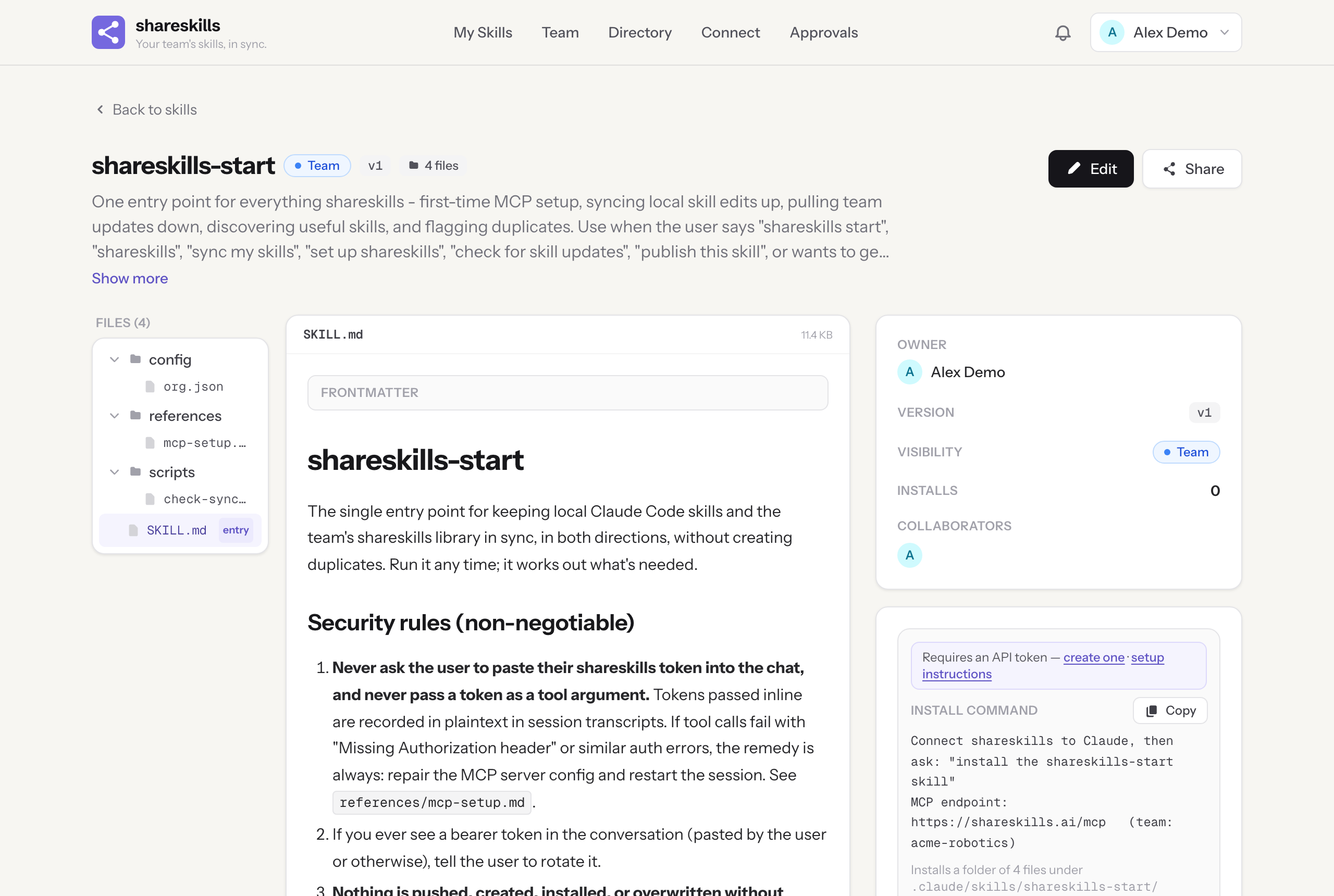
The obvious implementation was to stamp a copy of shareskills-start into every organisation and edit it to taste. We didn’t, and the reason is the same one this blog keeps returning to: the update is the attack surface. Stamp out editable copies and every fix we ship afterwards — and for a skill whose job includes handling your MCP credentials, some of those fixes are security fixes — reaches nobody. A hundred organisations, a hundred slowly diverging photocopies, no channel to recall any of them.
Instead, the wizard writes your answers into one small file inside the skill: config/org.json. The body of the skill — the instructions, the security rules, the sync procedure — stays canonical, maintained by us, versioned like any other skill. Your configuration is an overlay it reads at the start of every run. Re-run the wizard and only the config file changes; any edits your team has made to the skill’s other files are left exactly where they are. Customisation and updates stop being a trade-off.
What you cannot configure
Two screens of the wizard show rules with a lock on them, and the lock is the point. No org setting can make shareskills-start ask for a token in chat, publish or overwrite anything without showing a diff and getting a yes, or auto-resolve a conflict when local and remote have both changed. The config file lists these invariants anyway — not because the skill needs reminding, but because the admin who completes the wizard has then seen, in writing, what the skill will refuse to do no matter who asks. When someone later wonders why it won’t “just sync everything”, the answer is on file.
Already have an organisation?
First Sync isn’t only for day one. Any owner or admin can open /first-sync at any time — to run it for an organisation created before this week, or to change the defaults later. Completing it again updates the config overlay, bumps the skill’s version with a proper change note, and leaves everything else untouched. Members then pick the new defaults up the way they pick up any skill update: through the sync they were already running.
It is a small feature by line count. But it moves the most load-bearing skill in the product from “go and find it” to “it was here when you arrived, configured the way your team decided” — which is rather the whole thesis of shareskills, applied to itself.